Myitassistant
MyITAssistant is evolving.
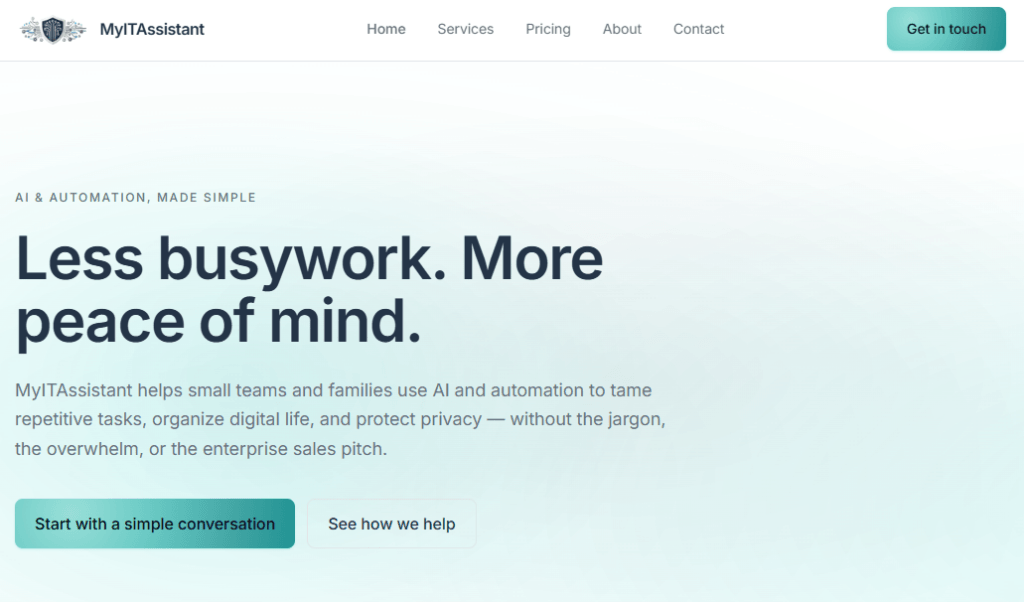
We’re transforming from MSP‑style intellectual property into a small, focused AI solutions and automation studio — built to help people reclaim time, reduce digital chaos, and use technology with more confidence.
This update reflects the work we already do best: calm guidance, simple automations, practical AI, and modern digital hygiene.
While the site is being refreshed, current clients remain fully supported. All existing technologies, subscriptions, and commitments continue without interruption.
What’s Changing
MyITAssistant is becoming a lighter, clearer, more modern service built around:
- AI Roadmap Sessions — senior-level clarity on where AI helps most
- Automation Starter builds — one clean automation for one repetitive task
- Digital hygiene and safety — simple, predictable monthly wellness
- Calm, personal guidance — without MSP complexity or ticket queues
- Small-business and solopreneur support — practical, non-corporate, outcome-focused
Why We’re Making This Shift
Over the past year, clients have asked for:
- simpler ways to automate repetitive work
- help reducing digital clutter
- guidance on using AI safely and confidently
- predictable, low-touch support
- fewer tools, fewer logins, fewer surprises
This transition lets us deliver exactly that — without the overhead of traditional IT models.
What’s Coming Next
The updated site will include:
- a cleaner service catalog
- fixed-price packages
- simple automation options
- AI guidance for small businesses
- digital hygiene and safety offerings
- a calmer, more modern experience
Everything will be easier to understand, easier to start, and easier to maintain.
What’s Staying the Same
Even as we modernize, some things do not change:
- Current clients are fully supported
- Existing technologies remain monitored and maintained
- Your automations, devices, and digital safety stay intact
- You continue working directly with a senior advisor
- No MSP-style ticketing, noise, or complexity
If You Need Help Right Now
Email: [email protected]
Existing clients: your usual contact method still works
New clients: reach out and we’ll guide you to the right starting point
Thank You for Your Patience
This update is part of creating a more focused, more helpful MyITAssistant — one that reflects how people actually use technology today.
The new site will be live soon.