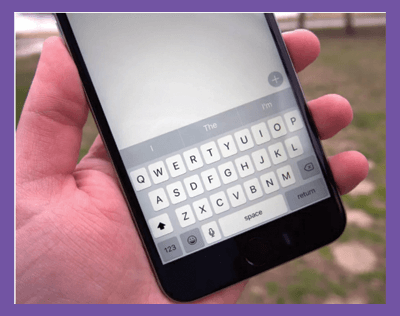
If you’re typing a note, a text message, or some other text and decide you want to erase what you’ve just written, you don’t need to use the delete button on the keyboard. If you have this hack enabled, all you need to do is shake your iPhone to delete your writing. Here’s what to do:
Then, whenever you’ve just typed something you want to get rid of, shake your phone and tap Undo in the pop-up window.