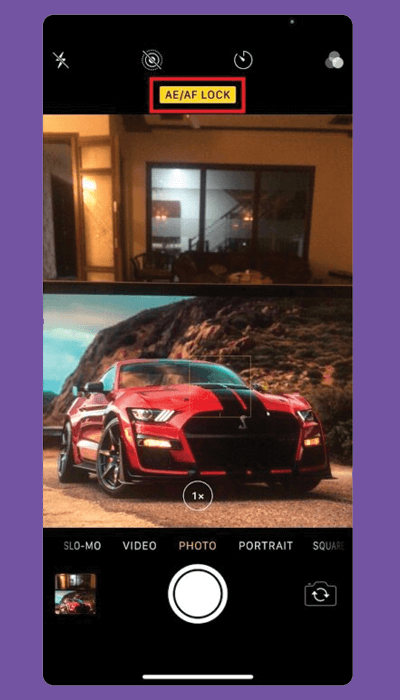
When the camera is active, tapping the screen sets the focus and exposure for that object. But, the moment the camera moves, these settings are lost.
To lock the focus and exposure, tap and hold until you see a yellow bar appear at the top of the screen, Even if you change your composition, the focus and exposure will be unaffected.