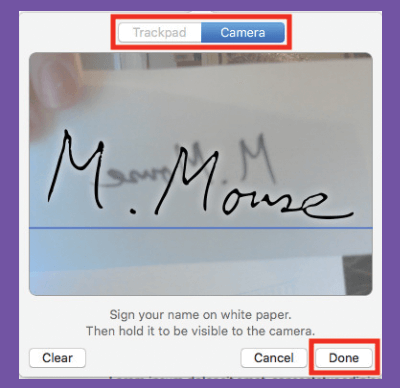
< All Topics Main Tips Apple Add Signature To Document Print Add Signature To Document PostedNovember 20, 2022 UpdatedNovember 29, 2022 ByRussell Kirkpatrick You may add a signature to the preview app to sign papers fast and effortlessly.Go to the Preview app then navigate to > Tools > Annotate > Signature > Manage signatures.Create A New Signature using trackpad or camera.A new signature will appear as an option in the Markup toolbar’s Sign function.