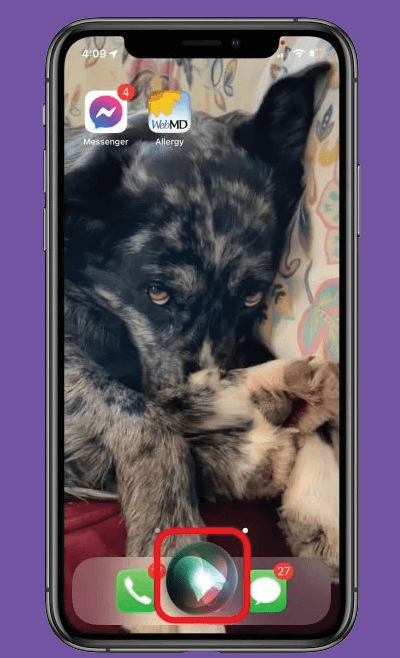
Everyone knows they can ask Siri questions, but did you know Siri can make taking photos faster? While it can’t actually capture the photo, Siri can open the Camera app to the setting that you ask for, so you just need to tap the camera button (or click the volume button). Here’s what to do:
Activate Siri (hold down the Home or Side button, depending on your model) and ask Siri to take a photo or video. Your options are:
When you have the image you want, tap the camera or volume button.