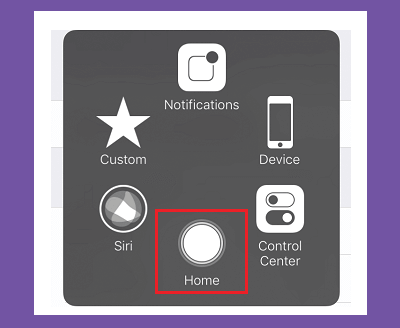
If you have an iPhone X or newer, you might miss the old hardware Home button. Even if you have another model, you might want the options and functionality of adding a virtual Home button to your screen. This is a great hack because it provides fast access to features that otherwise require gestures or multiple taps. To enable this virtual Home button: