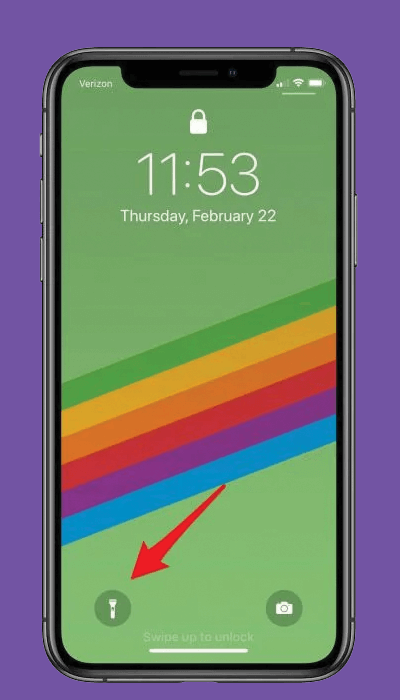
Included in iOS’s Control Center is access to a flashlight. Once enabled, you can quickly shut it off by using the flashlight shortcut from the lock screen.
Optionally
“Hey Siri, tun off the flashlight”
Swipe down from the upper right corner of your Home or Lock screen and tap the flashlight icon.
Activate the Lock screen by raising to wake or pressing the Side button, and press the flashlight icon.