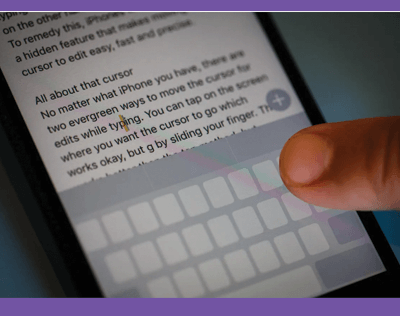
It’s such a pain to move the little magnifying glass cursor around the screen when you’re trying to select a specific piece of text. We have a trick for you that makes placing the cursor in text much simpler. It works by turning your keyboard into a trackpad, like a mouse on a laptop. Here’s what to do:
NOTE: This hack works on iPhone models with a 3D Touch screen running iOS 9 and up, and on all other models running iOS 12. On iOS 13, you can just drag the cursor anywhere on the screen; no need to hard press the keyboard.