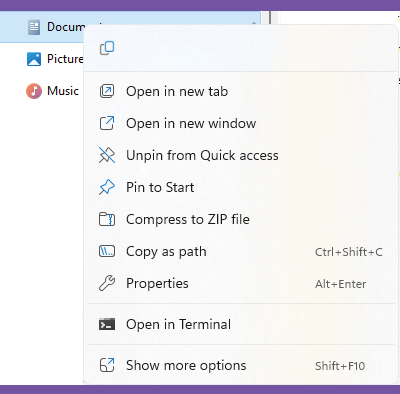
Windows 11 has a redesigned context menu (the one that appears when you right-click on files and folders in Explorer) and you may find that some options you are used to are missing. You can access the old-style menu by clicking Show more options at the bottom of the context menu, or by selecting a file or folder and pressing Shift + F10.