|
|
|
|
PROFESSIONALLY MANAGED SOLUTIONS
by Technology Guru Russell Kirkpatrick
|
|
|
|
|
|
|
|
|
|
HEADLINE
|
|
Upcoming Windows 11 update MOMENTS 3
|
On July 11th, 2023, Microsoft released a major update to its flagship operating system, Windows 11. Dubbed Moments, this update introduces a range of new features and improvements that aim to enhance productivity, creativity, and entertainment. Here are three notable changes that users can expect:
|
- Dynamic Desktops: Moments introduces a new way to personalize the desktop experience with dynamic wallpapers that morph and adapt based on the time of day, weather, and your mood. You can choose from a variety of themes, such as nature, cityscape, abstract, and more, or even create your own by selecting your favorite photos.
- Smarter Search: Moments improves the search function by integrating more sources, such as local files, web results, and cloud services, into a unified interface. You can use natural language to search for documents, apps, contacts, or even answers to questions, and get instant suggestions and previews.
- 3D Widgets: Moments also introduces a new type of widget that adds depth and interactivity to the desktop. You can place 3D objects, such as a weather globe, a world clock, or a game board, on your desktop and interact with them using touch or mouse controls. You can also resize, rotate, and customize the widgets to suit your style.
These are just a few highlights of the Moments update, which also includes improvements in performance, security, accessibility, and more.
|
|
We will not be approving this update to clients, initially. We have reason to believe bugs may exist in this release, as patches have already been dispersed by Microsoft. Clients may perform this Windows Update, however we advise against it.
|
|
Our Private Mail Services Security Upgrade
|
If you have logged into webmail within the last 10-days you may have already seen a prompt to activate two-factor authentication. This is a security measure to protect your email when accessing mail through webmail. Supported authentication is a random code sent to your phone as TEXT or by AUTHENTICATOR APP (like Google Authenticator). If you decide to skip or not use this security measure, we strongly advise against this.
|
|
Our Use of AI
|
We integrate AI whenever possible in our services.
|
|
AI has significantly impacted managed solutions with automation, anomaly detection, and resource optimization. It enhances human abilities and skills, improving cybersecurity and customer behavior analysis while minimizing human error. AI delivers exceptional outcomes for all clients, and its integration creates significant advancements that positively impact growth in our services.
|
|
Upcoming Email Services
|
|
We are partnering with AtMail to provide alternative email hosting solutions for our clients wanting more control of email functionality and options. This ala-cart style solution, pay-only-for-what-is-wanted, is available to clients owning a domain.
|
|
|
|
Reminder: Establish Your Online Member Account
|
We encourage clients to establish online member accounts if they have not done so already. We are here to help if you have questions.
|
- SETUP YOUR ACCOUNT
Go to https://myitassistant.com/registration/ and complete the form. Two emails will then be sent to validate your account and to provide you a temporary password.
|
|
|
|
|
|
|
SUPPORT
|
|
Scheduled Support
|
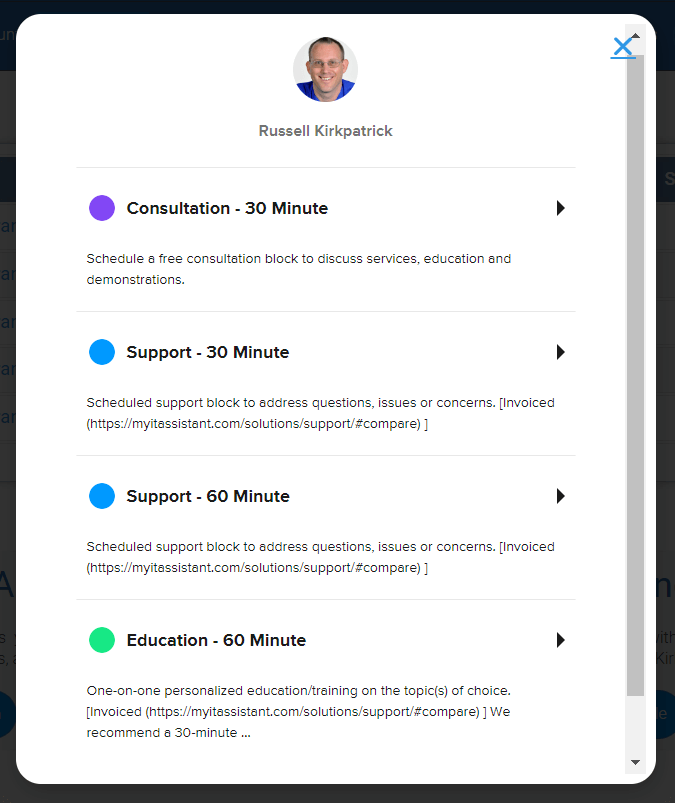
We are still getting incoming calls and text messages requesting immediate support. Unless subscribed to VIP Support services, all support requests must go through our support desk. If you would like immediate or same-day support, subscribe to our VIP Support services.
|
|
|
|
|
|
Support Center Access
|
|
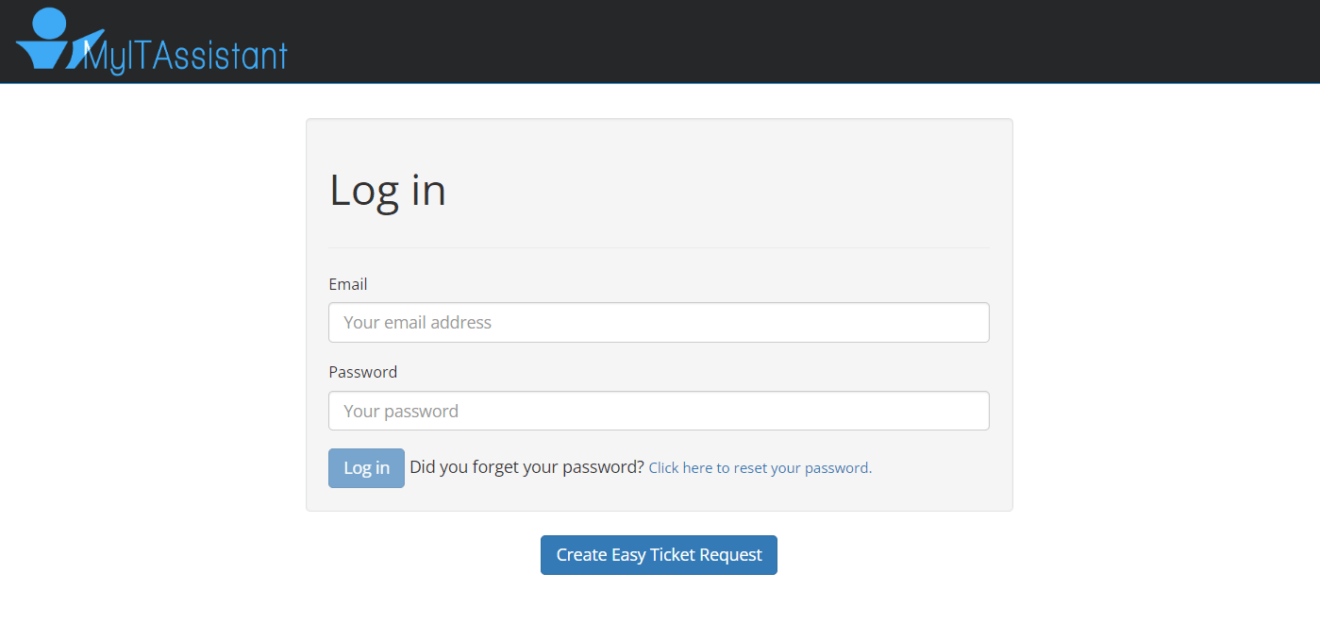
Reminder that all registered members have access to our new Support Center. Easy access to your tickets, or create a new one. If you are unable to login or need help, please let us know.
|
|
|
|
|
|
|
|
|
|
|
|
|


